
Guide
Choosing what your avatar actually wears
How to decide what a R.E.P.O. cosmetic looks like on you, given that the game builds your avatar from parts and shows it in more than one place.
Applies to
0.4.0, read from the copy of the game this site was built from (see the sources page)
Before you start
- At least one cosmetic unlocked
- Access to the avatar menu
- A moment in the shop rather than in the middle of a run
Steps
- Judge a cosmetic by which body part it lands on, not only by how rare it was.
the avatar is built from named parts, each with its own default surface - Check what it looks like in the menu rather than trusting the unlock moment.
the avatar menu keeps a separate version of you for the world - Look at your icon as well as the model, since they are not the same one.
a second avatar is kept for making your icon - If a piece does not suit you any more, hide it rather than feeling stuck with it.
a cosmetic can be hidden again after being unlocked - Sort out your look in the shop, where you can see the result, instead of mid-run.
cosmetic objects in the world have their own interface
Common mistakes
- Wearing something only because it was hard to get.
- Assuming the icon and the model look the same.
- Trying to change your look while the crew is already inside a level.
Related entries
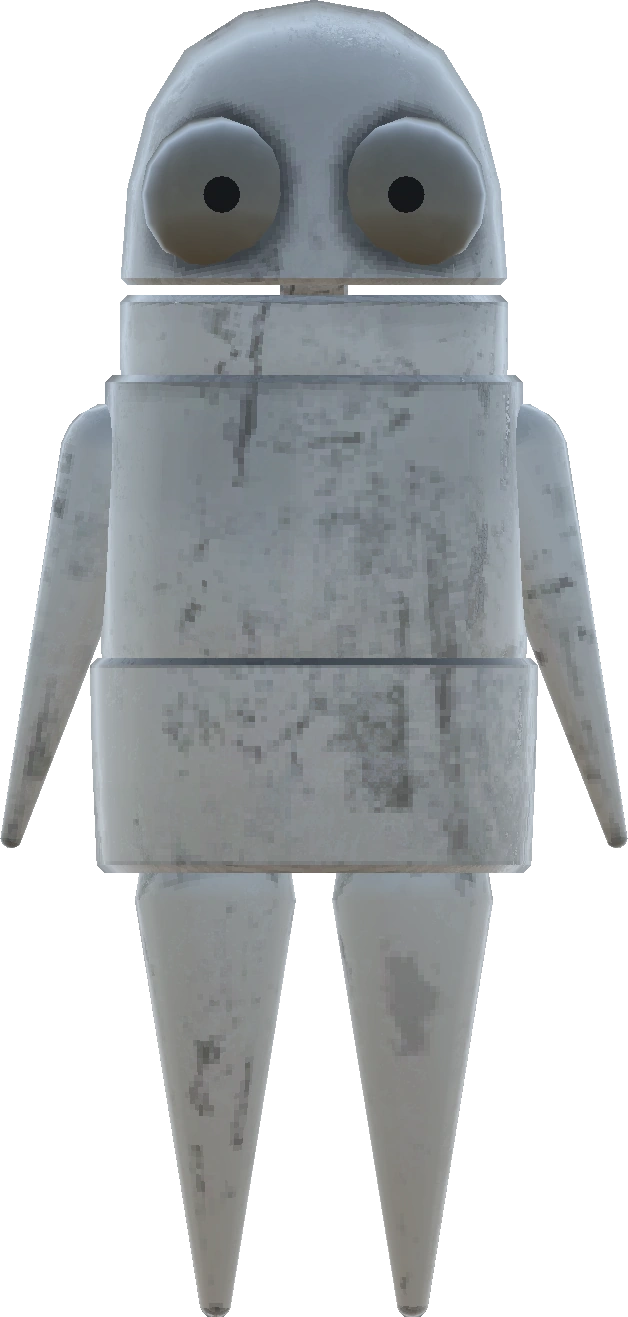 Gear and itemsYour avatar and where it is shownThe avatar is built from named parts, including a left arm, a right arm and the eyelids.
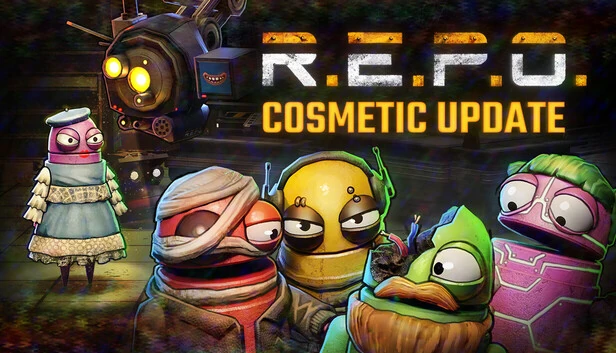 Gear and itemsCosmetics and the token machineThe shop contains a machine that gives out player cosmetics.
Sources
A local copy of the game, read only. Grounding for each step is on the technical reference pages; no number is estimated.