
Guide
Firing a staff without wrecking the room
How the three staffs in R.E.P.O. charge, refuse and fire, so a spell is used deliberately rather than by mashing the button.
Applies to
0.4.0, read from the copy of the game this site was built from (see the sources page)
Before you start
- A staff in the crew's hands
- Something worth aiming at
- Room to be wrong in
Steps
- Know which of the three staffs you are holding.
all three staffs carry particles for being loaded, refused and charged up, and a state of their own - Read a refusal, which is announced twice.
a refused staff shows particles and plays a sound for the world and a separate sound for the interface - Give it time to charge, and listen while it does.
charging up has its own sound and a loop that runs while it does - Listen to a loaded staff, because it changes as it fills.
a loaded staff has a quiet loop for a low charge and a different loop for a high one - Expect the shot to sound like two things at once.
firing plays a cast sound and a lightning sound, with two choir sounds belonging to the effect - Know that a fired staff leaves a projectile rather than only an effect.
each staff fires a projectile from a prefab and a spawn point of its own - Aim the void staff, because what it creates depends on where the shot lands.
the void staff names a prefab to create when its shot lands, and keeps loaded particles that stay active - Give the antigravity staff room, because it ignores some colliders on purpose.
the antigravity staff has a left and a right wing driven by a curve, and a list of colliders to ignore
Common mistakes
- Pressing again because a charge was not heard.
- Reading a refusal as a misfire when it is announced in the world and on screen.
- Firing the void staff at nothing, because what it makes depends on the landing.
- Expecting the antigravity staff to be stopped by the furniture it ignores.
Related entries
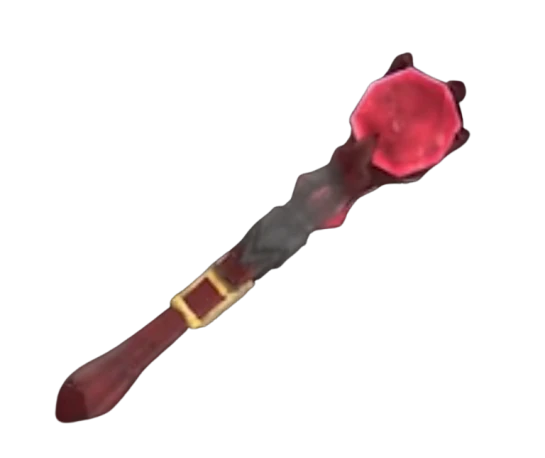 Gear and itemsHow the staffs are firedAll three staffs carry particles for being loaded, refused and charged up, and a state of their own.
 Gear and itemsItems you switch on, carry or unlockItems have a state of their own with a manager behind them.
 Gear and itemsThe grenade you throwThe grenade blinks in a colour of its own.
Sources
A local copy of the game, read only. Grounding for each step is on the technical reference pages; no number is estimated.