
Guide
Following the game's own hints to loot
How the discovery hints in R.E.P.O. are built and how to use them: what the card's colours mean, when a custom discovery is used, what makes something loot at all, and how the game decides to leave a valuable behind a monster.
Applies to
0.4.0, read from the copy of the game this site was built from (see the sources page)
Before you start
- A run in progress
- Something worth picking up ahead
- A tracker or a free hand
Steps
- Read the discovery card as the game's own hint rather than as decoration, because it is built around a target and carries colours for the corners and the middle.
the discovery graphic has a target and colours for its corners and middle - Notice the other two colours a discovery can use, because there is a reminder colour and a bad colour alongside the discovery colours.
there are reminder and bad colours as well - Listen as well as look, because the discovery has a sound of its own.
the discovery graphic carries a sound - Do not blink at the animation: it has an intro curve and a speed, so it arrives rather than appearing.
the discovery animates in with its own curve and speed - Expect some discoveries to be set up for a particular object, because a custom discovery can carry its own corner and middle colours and a wait before it shows.
a custom discovery has its own colours and a wait time - Expect that custom one to be able to sound and to be marked on the map, because both are optional parts of it.
the custom discovery can have its own sound and map marker - Watch the tracker for it rather than only the screen, because a custom discovery can be marked as tracked.
a custom discovery can be tracked - Do not judge by looks: whether something counts as loot is decided by the game's own naming.
whether an object counts as loot is decided by the game's own naming - Know that loot carries presets of its own, so two things that look alike can differ in value, durability, weight and sound.
loot carries value, durability, physics and audio presets of its own - Treat something that is not loot differently, because it is given health and break thresholds instead of a value.
a non-loot object is given health and break thresholds rather than a value - Remember the game sorts loot by size, because there are volume types and a lookup for bigger or smaller ones.
the game sorts loot by volume type and can look for bigger or smaller ones - Do not assume a monster drops nothing: a monster can be set to leave a valuable behind, up to a maximum.
a monster can be set to spawn a valuable up to a maximum
Common mistakes
- Ignoring the discovery card and hunting by eye.
- Assuming two identical-looking objects are worth the same, when they carry their own presets.
- Picking up something that is not loot and finding it has a health bar rather than a value.
- Leaving a monster before the roll that decides whether it drops a valuable.
Related entries
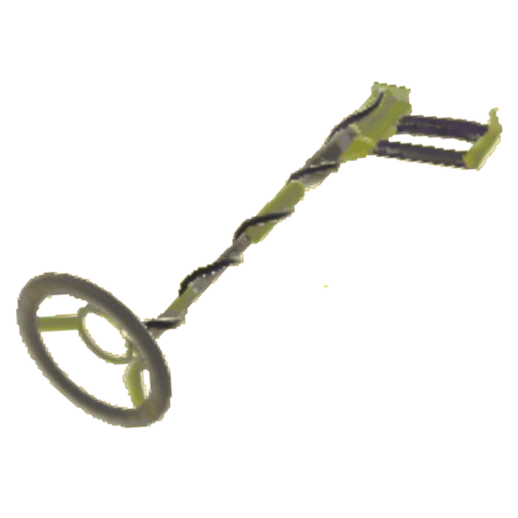 Interface and readoutsWhat the game draws when you find somethingThe graphic has three pairs of colours: one for a discovery, one for a reminder and one for bad news, each with a corner and a middle colour.
 ValuablesThe things that are not lootThere is a kind of object that is explicitly not a valuable.
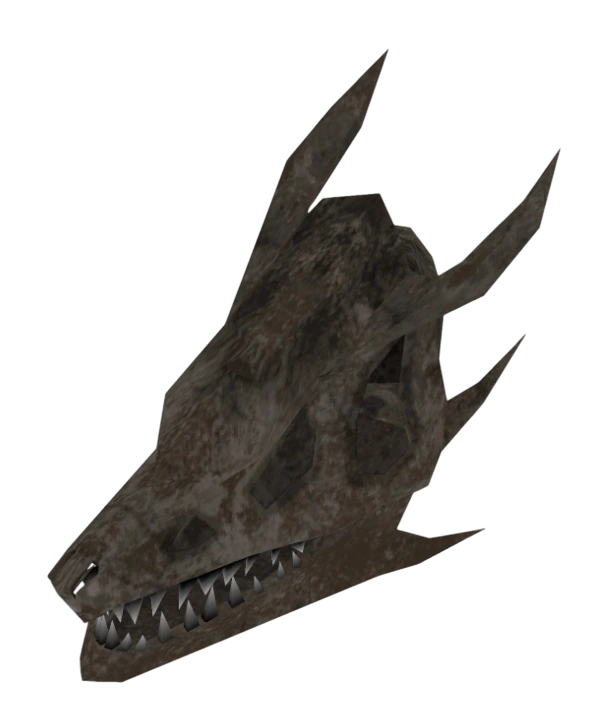 ValuablesValuables and the loot you carry outValuables are separate objects, each with its own behaviour.
Sources
A local copy of the game, read only. The grounding for each step is listed on the technical reference pages; nothing here is estimated.