
Guide
Knowing when you are nearly out
How your own condition is shown in R.E.P.O. — health, carried charge and a weapon about to run dry — so you act before the warning becomes a loss.
Applies to
0.4.0, read from the copy of the game this site was built from (see the sources page)
Before you start
- A run in progress
- A battery or a charged tool
- A weapon you can empty
Steps
- Read your health off the display rather than expecting a number.
the player's health display sits on a mesh with a parent of its own and is driven by a colour gradient - Check which health display you are looking at.
the display knows whether it belongs to the menu avatar - Use the sounds as well as the display.
being hurt, being healed and being upgraded each have their own sound - Read the battery bar's charge and drain as two separate fills.
charge and drain have separate fills and values - Act on the out-of-battery and needs-charging visuals instead of waiting for the tool to stop.
there are visuals for a battery that is out and for one that needs charging, with an effect when a bar is lost - Know that an empty weapon is a state of its own rather than an absence.
being out of shots is a state with its own beginning, update and fixed update, and an empty gun has a click of its own - Expect some weapons to build up before they fire, and check what yours puts out.
a gun can build up before it fires, with a time for the build-up and a time for the shot, and how many shots it puts out at once, its spread and its range are configured per gun
Common mistakes
- Waiting for a tool to die instead of watching the bar drain.
- Reading the menu avatar's health display as your own.
- Pulling the trigger on an empty weapon and taking the click for a jam.
- Assuming every weapon fires the moment you press.
Related entries
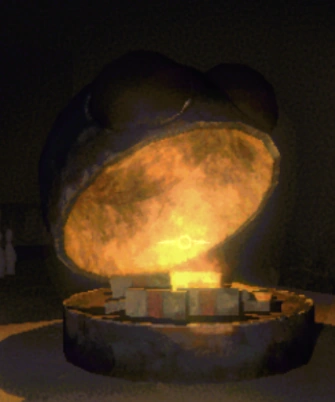 Interface and readoutsHow your own condition is shownThe player's health display sits on a mesh with a parent of its own.
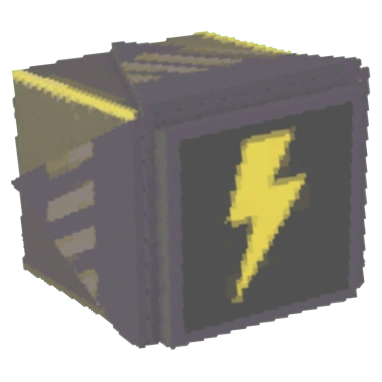 Interface and readoutsThe bar that shows a chargeA battery bar has a container group, a container, a background and a border with a shadow.
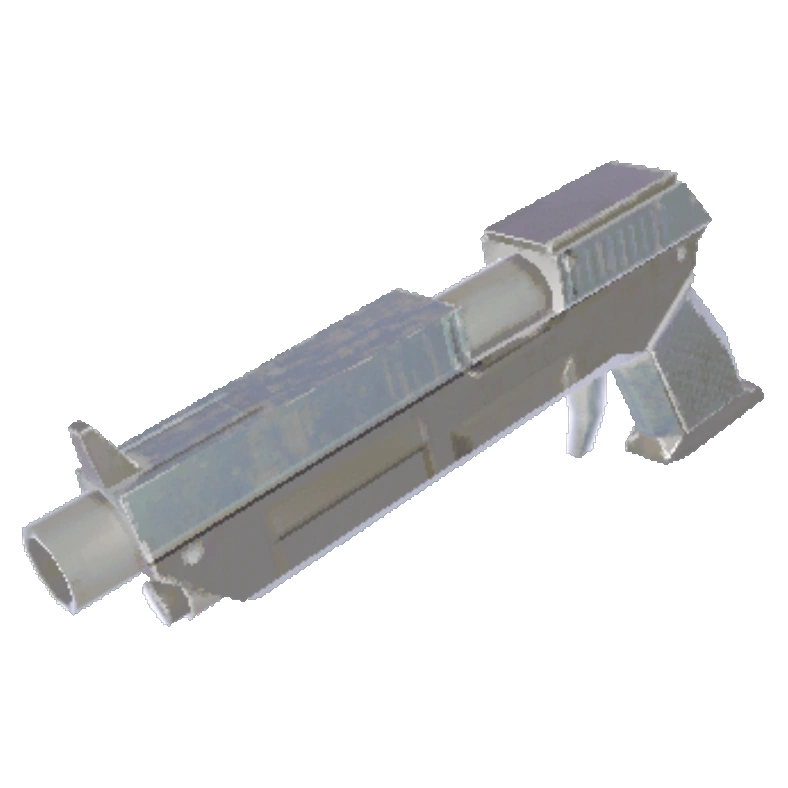 Weapons and ammunitionRunning a gun dryThe game fires a bullet object of its own rather than only playing an effect.
Sources
A local copy of the game, read only. Grounding for each step is on the technical reference pages; no number is estimated.