
Guide
Keeping the crew in touch when the level splits you
How to use the walkie-talkie, the chat box and the map in R.E.P.O. so that a crew which spreads out through a level still knows who is where and what is happening.
Applies to
0.4.0, read from the copy of the game this site was built from (see the sources page)
Before you start
- A walkie-talkie bought and carried
- A level with more than one room in it
- A crew that is willing to say where they are
Steps
- Carry the walkie-talkie rather than assuming you can always talk: it is an item you equip, not something the player has built in.
the walkie-talkie is a carried item with a light and materials of its own - Watch the device itself for who is on the channel, because it keeps a record of who is holding it and which sets are in use.
it keeps a record of who is on it and which sets are being used - Read its lines and its eyes when you are trying to reach someone, since the walkie shows its state rather than only making a noise.
it shows its state with two lines, a scrolling texture and eyes of its own - Tune and wire deliberately: tuning in, tuning out, wiring in and wiring out are four separate actions with a sound each.
it carries tuning and wiring sounds of its own - Treat interference as information rather than a fault, because the walkie keeps interference loops and a breaker for them.
it carries interference loops and a breaker for the interference - Do not expect to type while a job has you locked, because some of them lock the chat box.
starting the truck and clearing slackers lock the chat box - Send a message and then watch it move, because a message has states of its own between being written and being sent.
a message moves through states of its own - Use the lobby chat before the run and the crew chat during it, because they are two different interfaces.
the lobby and the run have separate chat interfaces - Read the map for the crew and for the monsters rather than only for the valuables, because each has a marker of its own.
monsters and the player each have their own marker on the map - Expect the map to fill in as you go rather than being complete when you arrive, because it backtracks and scans.
the map is drawn in layers and fills in over time
Common mistakes
- Leaving the walkie-talkie in the truck and finding out when the level splits the crew.
- Assuming a silent walkie means nobody is talking, when the interference and the session state are shown on the device.
- Trying to type while a job has the chat box locked.
- Treating the map as a full picture of the level rather than one that fills in as you move.
Related entries
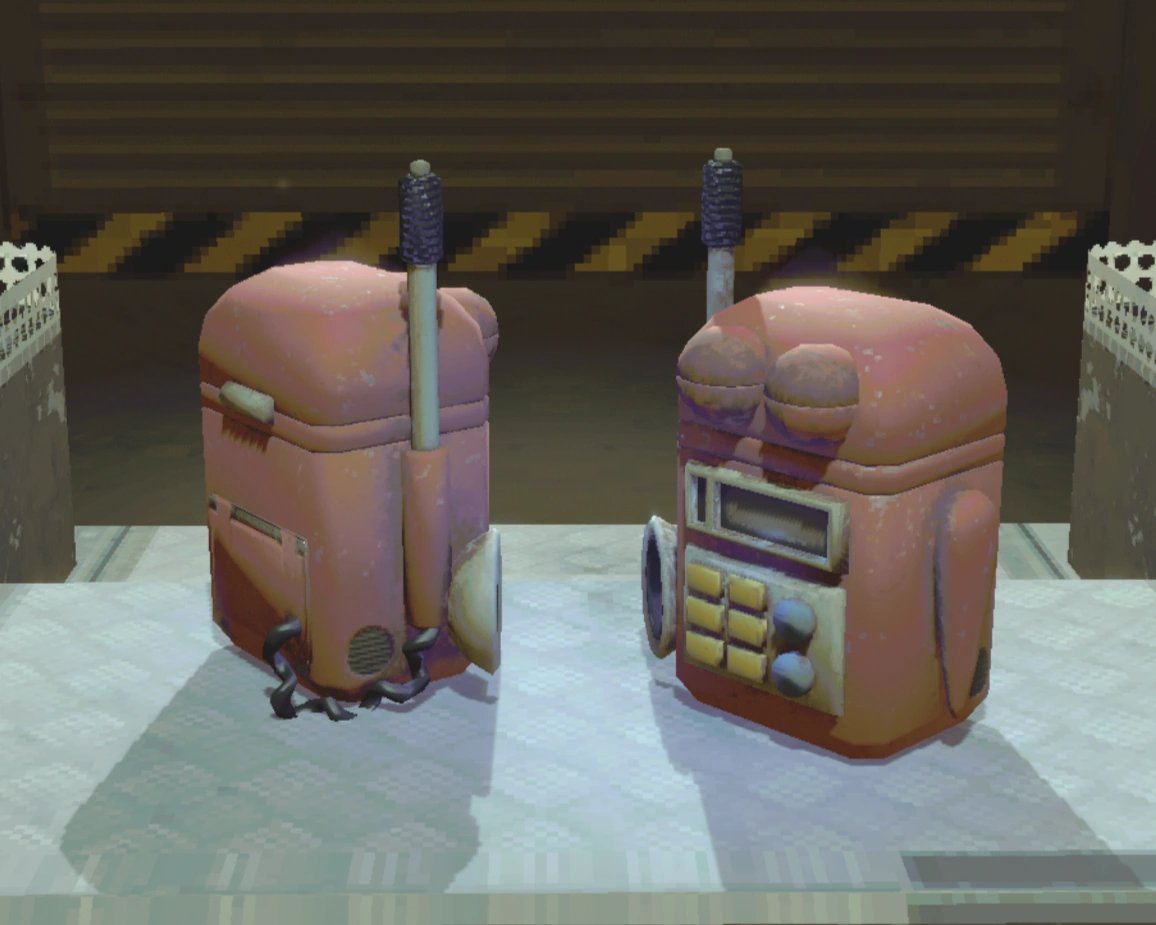 Playing with a crewThe walkie-talkie and how it answersThe walkie-talkie has a talking top, four eyelids and two eyes with targets and a general look-at.
 Playing with a crewWhen the chat box will not openThe chat box has its own set of player states, including idle and typing.
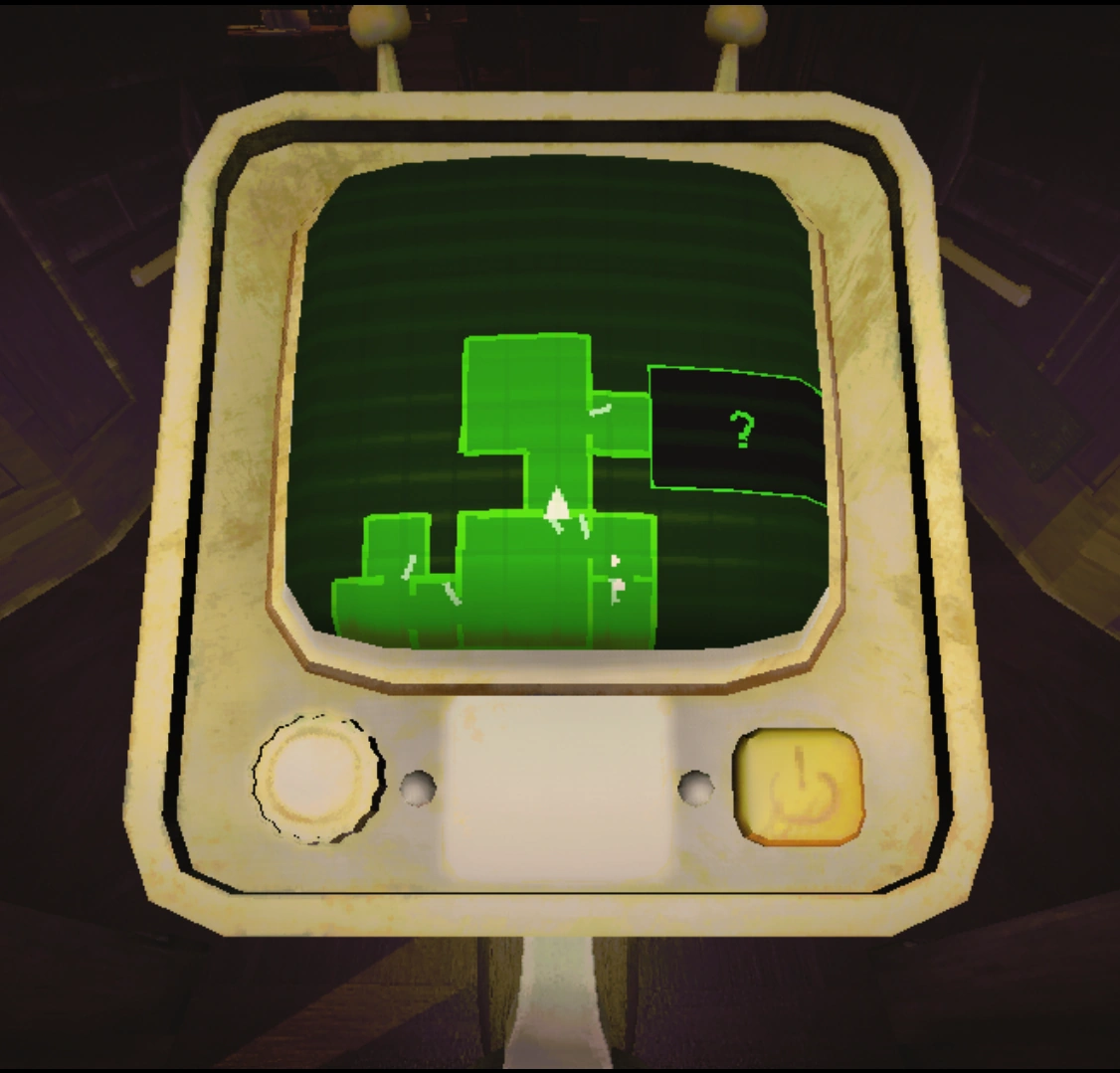 Maps and levelsWhat the map shows youThe map has its own marker for valuables, with a small and a large version of the sprite.
Sources
A local copy of the game, read only. The grounding for each step is listed on the technical reference pages; nothing here is estimated.