
Guide
Pushing the cart without losing the load
How the hauling cart in R.E.P.O. actually behaves: the handle and grab points, the surface materials it carries, the stabilising force, the two cart modes and the screen and sounds that tell you what it is doing.
Applies to
0.4.0, read from the copy of the game this site was built from (see the sources page)
Before you start
- A cart in reach
- A load worth moving
- A route back to the truck
Steps
- Push by the handle rather than the body, because the cart has a handle point and a grab point of its own.
the cart has a handle point and a grab point - Use the grab mesh to steady what is already loaded, because the cart has a component for grabbing what is in it.
it has a mesh used for grabbing and a component for grabbing what is already in the cart - Know which cart you are pushing, because the small one has a hurt collider of its own.
the cart knows whether it is the small kind, which has its own hurt collider - Expect the floor to matter, because the cart carries four surface materials it can be switched between.
it carries slippery, sticky, a little slippery and normal surface materials - Let the stabilising force settle the load instead of fighting it.
it has a stabilisation force of its own - Pick the cart mode that suits the trip, because there is a strong and a weak mode.
it has a strong and a weak cart mode, each with a localised name - Read the value screen rather than adding the load up in your head.
it carries a value screen - Listen to the cart: being locked, dragged and handled each sound different.
it has separate sounds for being locked, dragged and handled - Use the thrust effect when you need a push, and the button object when you need to act on the cart.
it has a thrust effect and a button object - Check the load at the truck before you leave, because the cart keeps its own grab component for what is inside it.
the cart knows what is in it through its own grab component
Common mistakes
- Pushing the cart by the body and losing the load on the first turn.
- Fighting the stabilising force instead of letting it settle.
- Treating the small cart like the big one when it takes a hit.
- Ignoring the value screen and carrying less than a full load.
- Leaving the cart locked or dragged without noticing the sound.
Related entries
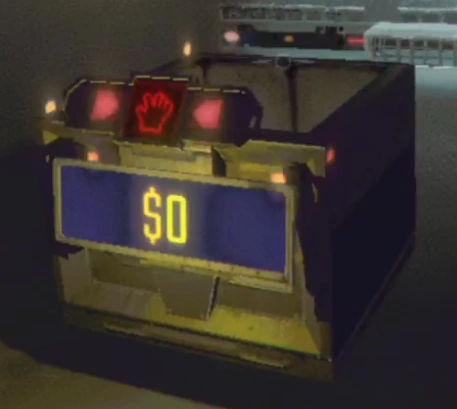 How the game behavesThe cart as an objectThe cart knows whether it is the small kind, and the small kind has a hurt collider of its own.
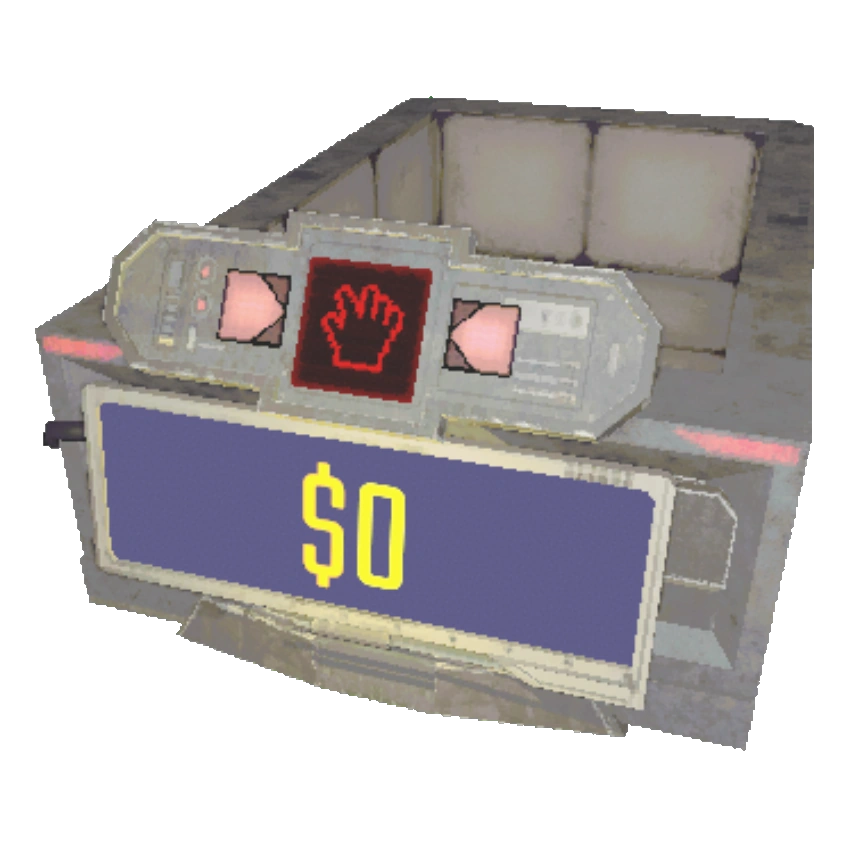 How the game behavesCarts, grabbing and the physics of lootA cart is modelled with its own physical behaviour.
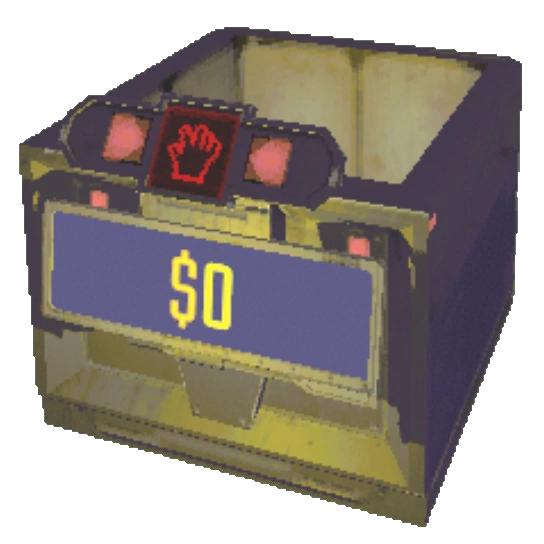 How the game behavesThe cart and its boost padsThe cart is driven by physics values, including a speed limit and a softer settle speed.
Sources
A local copy of the game, read only. The grounding for each step is listed on the technical reference pages; nothing here is estimated.