
Guide
The museum and what is in it
What the museum level in R.E.P.O. brings with it — its own artwork, a prop defined by the game, and a head that opens, lights up and goes red.
Applies to
0.4.0, read from the copy of the game this site was built from (see the sources page)
Before you start
- A run heading into the museum
- A keycard if the office is locked
- A crew that will not stand next to the head
Steps
- Expect the museum to be a theme with artwork of its own rather than a generic hall.
the game ships separate level artwork per theme, with the museum among them - Treat the props in it as things the game defines rather than as scenery.
the game defines its own museum props rather than only scenery - Watch the head, because it opens and closes rather than sitting still.
it is a head that opens and closes, with a top half, a bottom half and a mesh transform of its own, and a sound for each - Expect the opening to be staged.
opening it has an animation curve and a second curve for its lights, with open particles and a spot light - Read the eyes, because they go red with a sound and a cooldown of their own.
its eyes have a red state with its own sound, a cooldown curve and a colour used while cooling - Notice the room going quiet while the prop is active.
it carries a low-pass filter for the walls, so the room is muffled while the prop is active - Know that a cosmetic out in the world carries a condition of its own.
cosmetic objects have a condition tracked in the game - Check the office door before assuming the level is closed to you.
the office door is a keycard door kept in a locked and an unlocked state
Common mistakes
- Treating the museum's props as decoration and walking into them.
- Standing beside the head while it opens.
- Missing the room going quiet as a sign that the prop is active.
- Assuming the office is out of reach without checking the keycard door.
Related entries
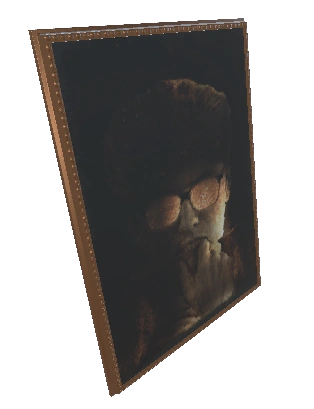 Extraction and the shopThe museum and its propsThe game defines its own museum props rather than only scenery.
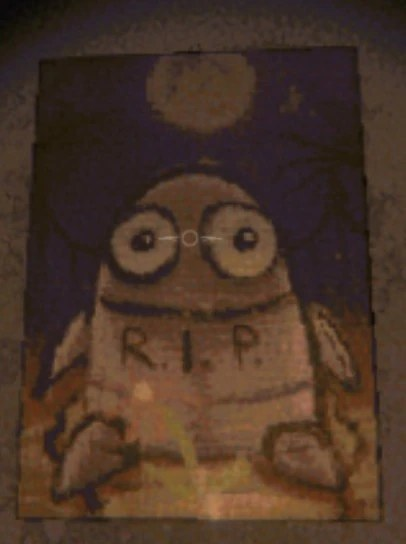 Hazards and eventsThe money head in the museumIt is a head that opens and closes, with a top half, a bottom half and a mesh transform of its own.
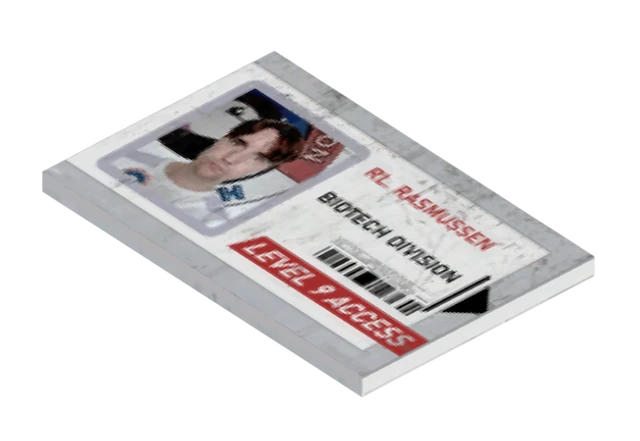 Extraction and the shopKeycards and the locked officeThe shop has a keycard door of its own.
Sources
A local copy of the game, read only. Grounding for each step is on the technical reference pages; no number is estimated.