
Guide
What the game puts over your view
The two things R.E.P.O. runs on top of a level for you: the component that places and smooths your camera, and the tools the build keeps for reading the game itself.
Applies to
0.4.0, read from the copy of the game this site was built from (see the sources page)
Before you start
- A run in progress
- A crew that will hold still while you check the view
- A keyboard you can reach while playing
Steps
- Expect your view to be placed by a component of its own rather than by your character.
a component of its own positions the camera - Look at the offsets if the view sits oddly, because there is one for each axis.
it follows the player's own transform with an offset in each of the three axes - Expect the view to lag rather than snap, because the position it arrives at is smoothed.
it drives a camera controller and smooths the position it arrives at - Expect the build to ship the tools its own makers used rather than leaving them out.
the build ships a debug console with a key that toggles it - Read the console's own lines before typing anything into it.
it keeps a chat text, a suggestions text and a response text, along with a scroll indicator of its own - Know that there is a second tool that watches a monster rather than the shop.
there is an enemy debug overlay with a switch and a reference to the enemy it watches - Use the overlay to read a monster's state rather than to guess it.
the overlay reads the state, the time in that state and the maximum time off the monster by name
Common mistakes
- Blaming the level when the view is placed by a component with its own offsets.
- Expecting the camera to snap to the character instead of smoothing into place.
- Typing into the console without reading the line it is already showing you.
- Watching a monster and guessing its state when the build can print it.
Related entries
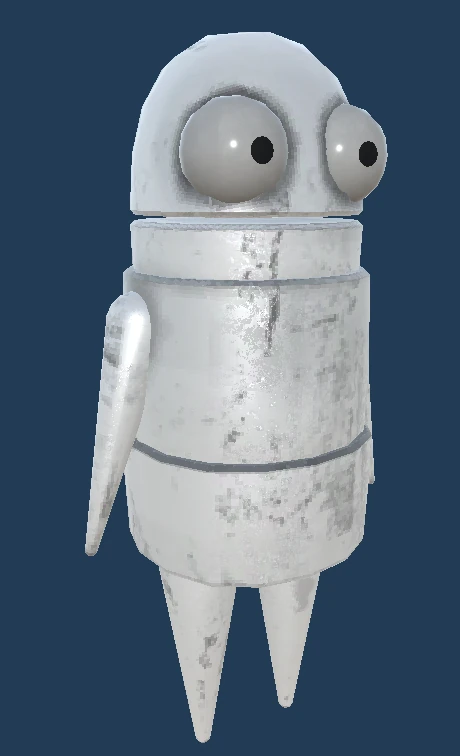 Interface and readoutsThe camera that follows youA component of its own positions the camera.
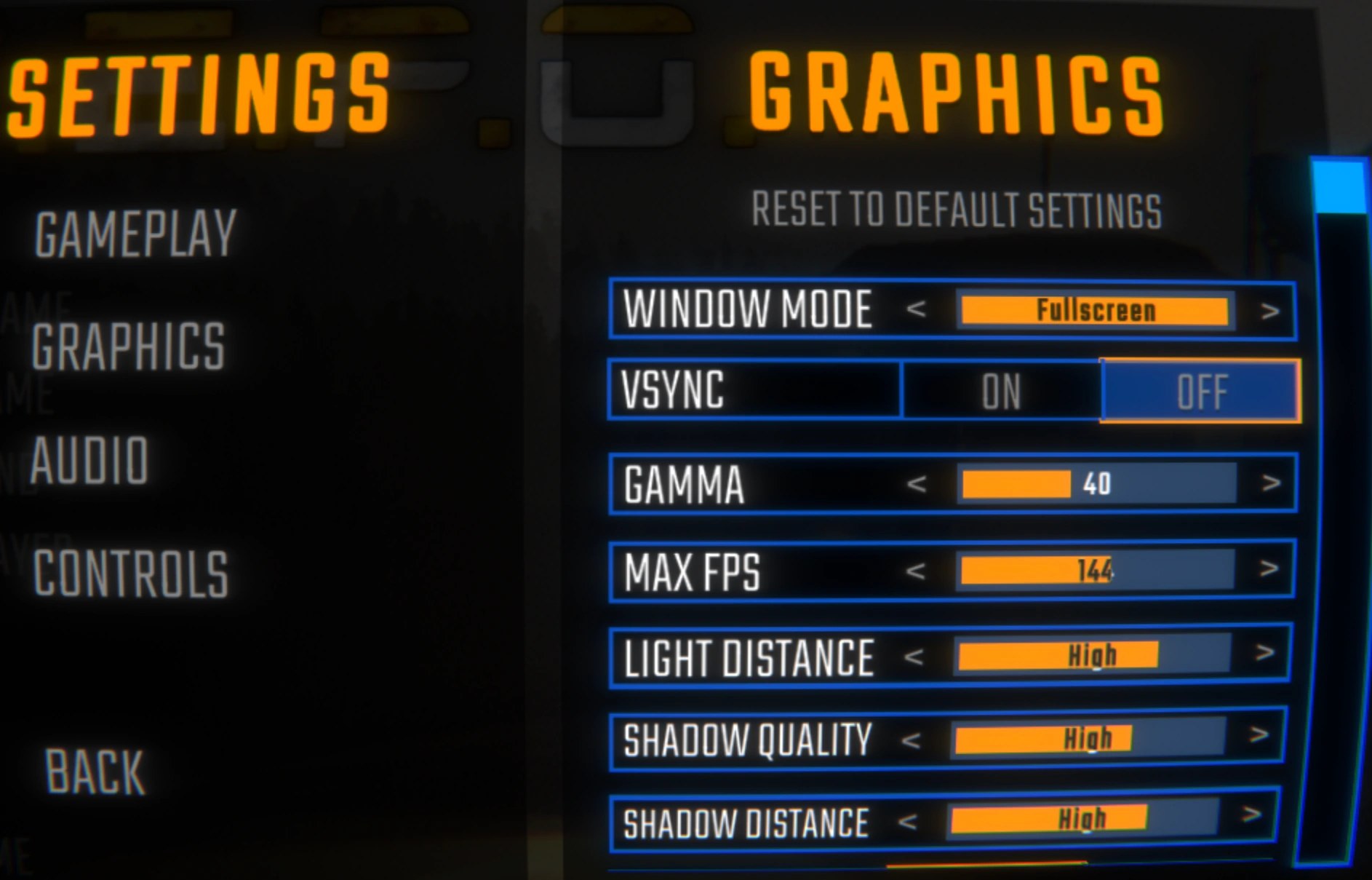 Interface and readoutsWhat the build keeps for debuggingThe build ships a debug console with a key that toggles it.
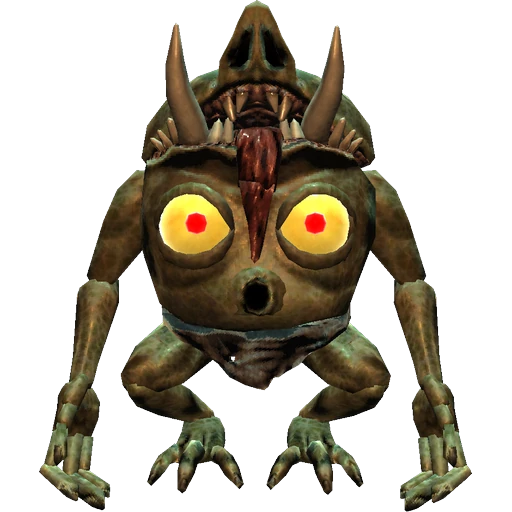 Interface and readoutsWhat being grabbed does to your viewA mixer effects object watches how far the camera is tilted.
Sources
A local copy of the game, read only. Grounding for each step is on the technical reference pages; no number is estimated.