
Interface and readouts
The screens, panels and readouts you work with while you play.
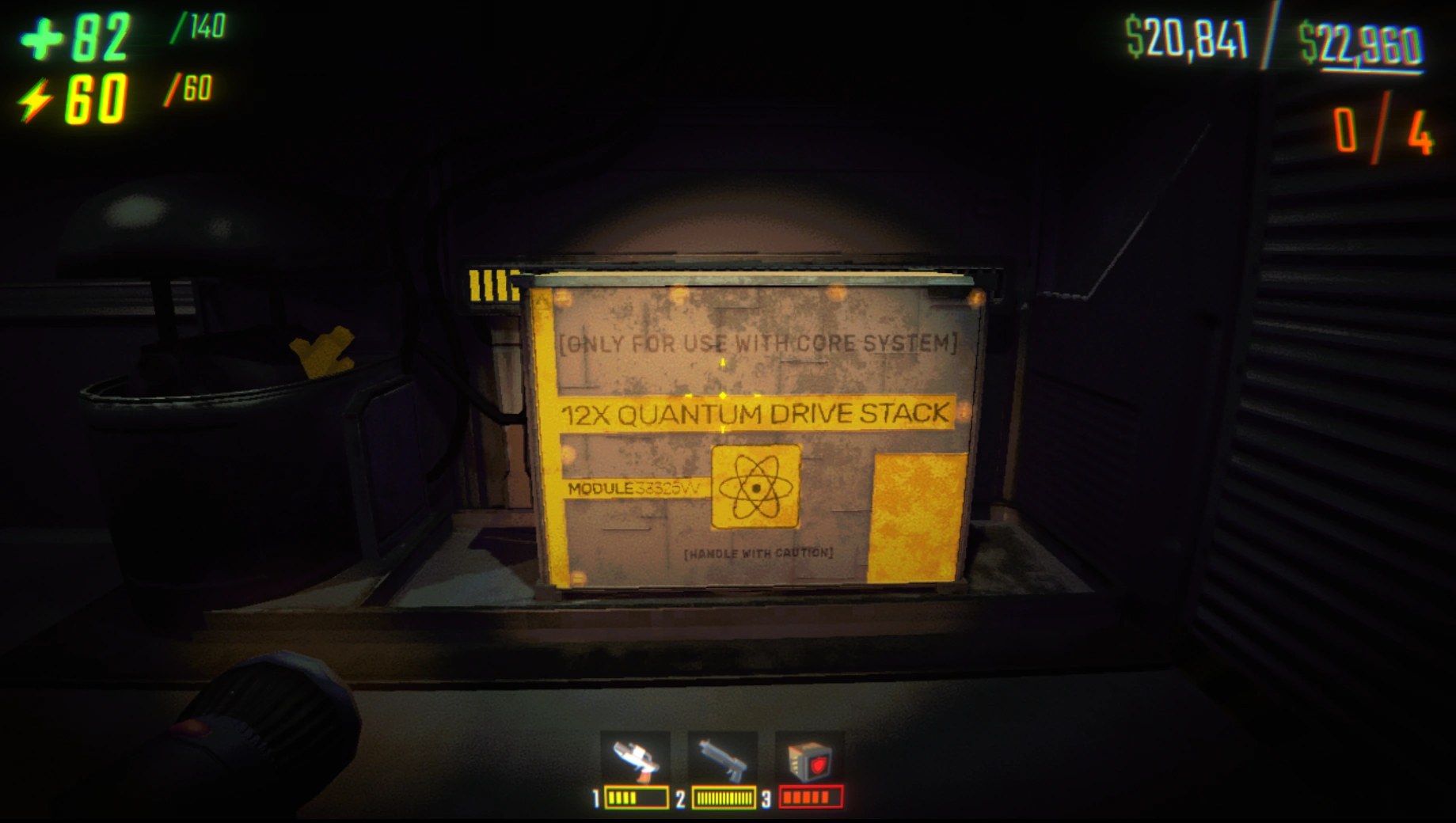
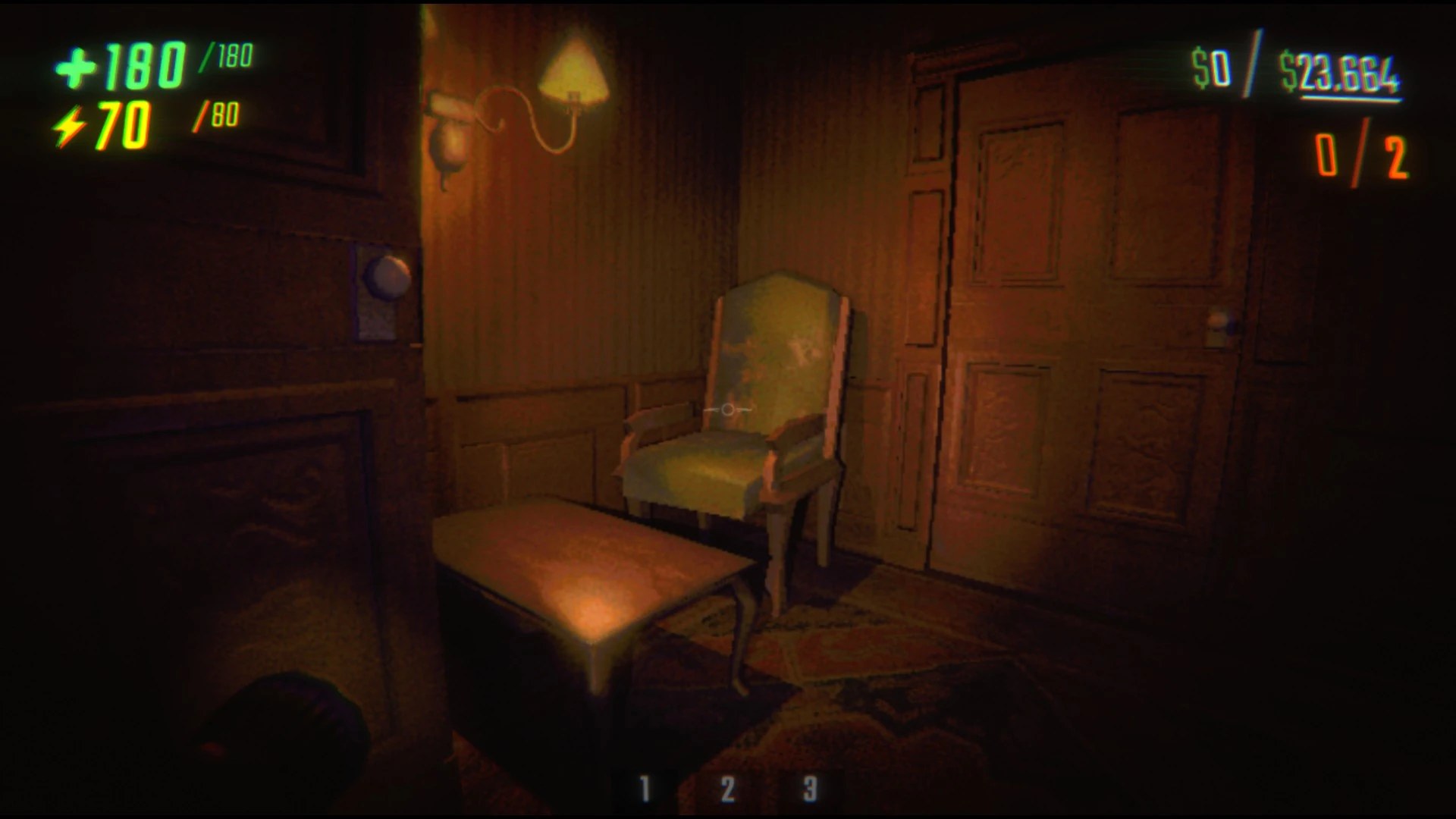 Interface and readoutsHow a run is scoredThe game keeps points for hauling, scouting, combat and support as separate figures.
 Interface and readoutsHow your own condition is shownThe player's health display sits on a mesh with a parent of its own.
 Interface and readoutsThe bar that shows a chargeA battery bar has a container group, a container, a background and a border with a shadow.
 Interface and readoutsThe camera that follows youA component of its own positions the camera.
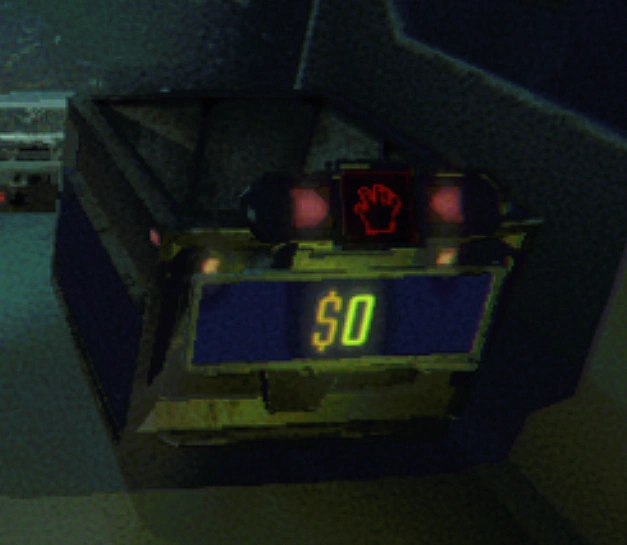 Interface and readoutsThe numbers that float over thingsThe floating value text has an intro and an outro curve.
 Interface and readoutsThe readouts that fade awayThe readouts share a base with a text, a transform, a show position and a hide position.
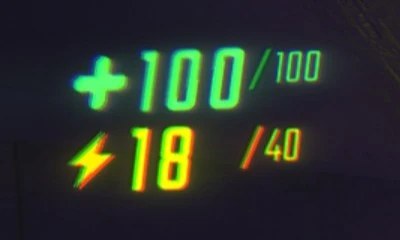 Interface and readoutsThe readouts you play byThe game keeps a readout of its own for the state you play by.
 Interface and readoutsThe save and your run recordThe save stores the team name and the names of the players.
 Interface and readoutsThe screen in the truckThe truck menu is animated, with antennas, a front panel, two windows and a dish each on a spring with a target.
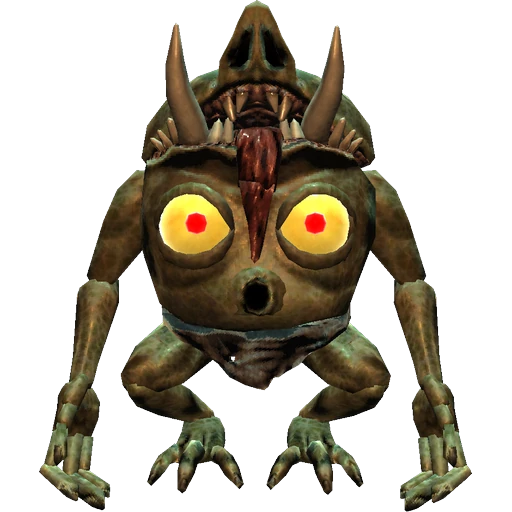 Interface and readoutsWhat being grabbed does to your viewA mixer effects object watches how far the camera is tilted.
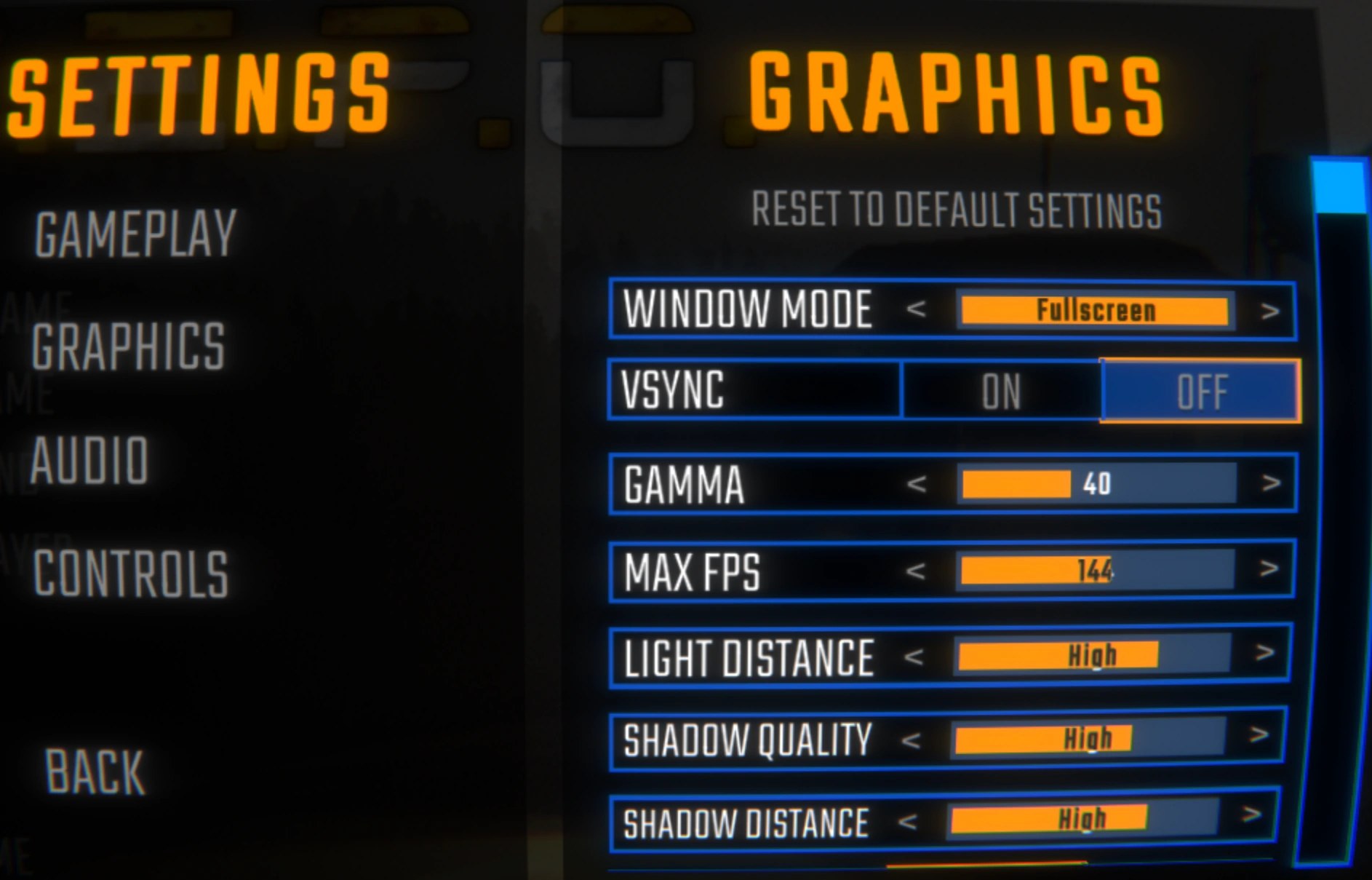 Interface and readoutsWhat the build keeps for debuggingThe build ships a debug console with a key that toggles it.
 Interface and readoutsWhat the game draws when you find somethingThe graphic has three pairs of colours: one for a discovery, one for a reminder and one for bad news, each with a corner and a middle colour.