

Interface and readouts · R.E.P.O. v0.4.0 · read from a local copy
The readouts that fade away
The readouts share a base with a text, a transform, a show position and a hide position.
The messages that appear and leave the screen in R.E.P.O. are one design repeated: each has a line of text, a position to show at and a position to hide at, a timer before it goes, and a curve it shrinks along, and the same shape carries the goal, the haul, an item's name, a shop cost and a shop increase.
What the game establishes
- The readouts share a base with a text, a transform, a show position and a hide position. (checked against the game's own files)
- Each has a default hide timer and a hidden flag. (checked against the game's own files)
- They shrink on an animation curve and raise an event when the shrink completes. (checked against the game's own files)
- They can animate the whole object rather than only the text. (checked against the game's own files)
- They can be kept from being disabled. (checked against the game's own files)
- The same shape is used for the goal, haul, item and extra item readouts and for the shop cost and shop increase readouts. (checked against the game's own files)
- The shop cost readout carries an animated value. (checked against the game's own files)
- The item information readout keeps a message timer of its own. (checked against the game's own files)
In play
The messages that appear and leave are not written one at a time. They share a base with a line of text, a transform for that text, a position to show at and a position to hide at, which is why the shop's notices behave alike.
Each waits before it goes. There is a default hide timer and a flag for whether the message is hidden, so a notice sits on screen for a moment rather than for as long as it takes to be read.
They leave by shrinking. There is an animation curve for the shrink and an event raised when it finishes, so a message can be drawn inwards rather than simply switched off, and something can be told when it has gone.
They can animate as a whole. There is a flag for animating the entire object rather than only its text, which is why some notices move as a panel and others only as words.
They can also be protected. A flag keeps a message from being disabled, so a notice that matters can be held rather than cleared with the rest.
The same shape does several jobs. The goal readout, the haul readout, the item information line and its extra line, and the shop cost and shop increase readouts all use it, which is why they appear, wait and shrink in the same way.
One of them counts. The shop cost readout carries an animated value, so a number can be seen climbing rather than appearing at its final figure.
Another keeps its own timer. The item information line carries a message timer of its own alongside the shared hide timer, so it can be paced differently from the others without a new design being written.
What this entry does not tell you: how long a message stays, how far it shrinks, or what any of them says. We have not verified those numbers, so we do not print them.
Related
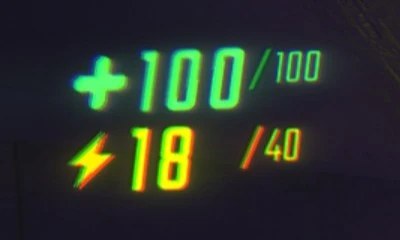 Interface and readoutsThe readouts you play byThe game keeps a readout of its own for the state you play by.
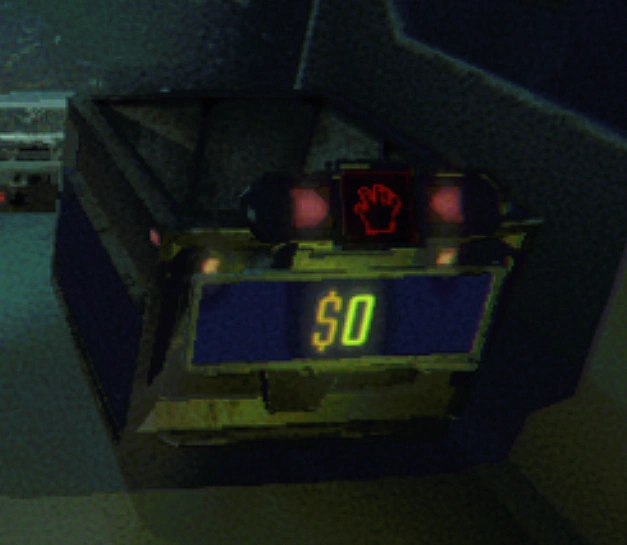 Interface and readoutsThe numbers that float over thingsThe floating value text has an intro and an outro curve.
Version and sources
A local copy of the game, read only. The grounding for each fact is listed on the technical reference pages; nothing here is estimated. Documented build: 0.4.0.